
Affiliate disclosure: Some links in this article are affiliate links. If you sign up through them, ToolCheckHQ may earn a commission at no extra cost to you. Our affiliate disclosure and editorial policy explain how we pick and review tools.
I earn a commission if you sign up for GoHighLevel. So here’s the list that might talk you out of it.
GoHighLevel is a strong tool for the right buyer. It also has real downsides, and most reviews bury them under a sales pitch.
I haven’t run a paid account myself. This article pulls together what users report on G2, Reddit, and community forums, plus the vendor’s own pricing and help pages. Where sources disagree, I’ll say so. For the full overview, see our GoHighLevel review.
The short version
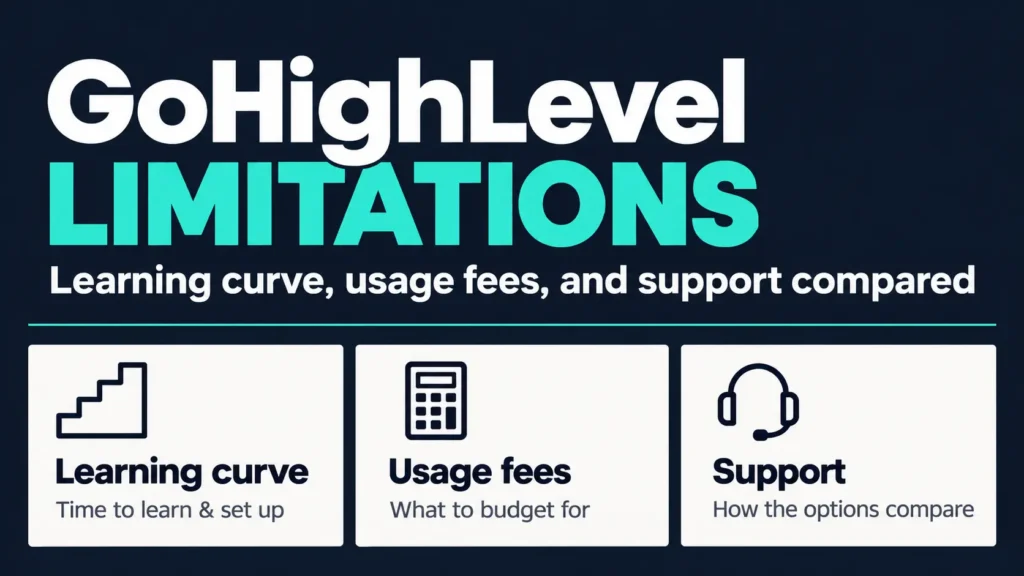
- Learning curve: reviews commonly say 2 to 4 weeks before you feel comfortable
- Cost: the plan price is only part of the bill
- Support: experiences vary a lot
- Fit: it’s built for agencies, and that shows if you’re a solo operator
None of these are deal-breakers for everyone. They are things to price in before you buy.
Limitation 1: the learning curve
This is the most repeated complaint. Reviews on G2 tag “learning curve” and “hard to use” among the top negatives, and several guides say full setup takes 2 to 4 weeks.
One guide notes that power users stop noticing the rough edges after 4 to 6 weeks. That’s a long time to stay confused if you only have an hour a day.
If you want a plan for it, see our learning curve and setup time guide.
Limitation 2: a cluttered interface
Users describe the interface as crowded and dated. Some report slow page loads of 10 to 60 seconds during routine use in r/gohighlevel threads.
I can’t verify the speed claims. Test it during the trial on your own connection.
Limitation 3: support quality varies
GoHighLevel lists 24/7 chat support on all plans. User reports are mixed. Live chat handles basic issues well, and complex tickets escalate slowly, according to reviews on G2 and Reddit.
Two details come up often:
- Phone support is reported to be limited to agency admins
- Faster support costs extra. One pricing review lists a Priority Support add-on at $300 a month
If you buy through an agency that resells GoHighLevel to you, support may run through that agency instead. Ask before you sign.
Limitation 4: usage fees add up
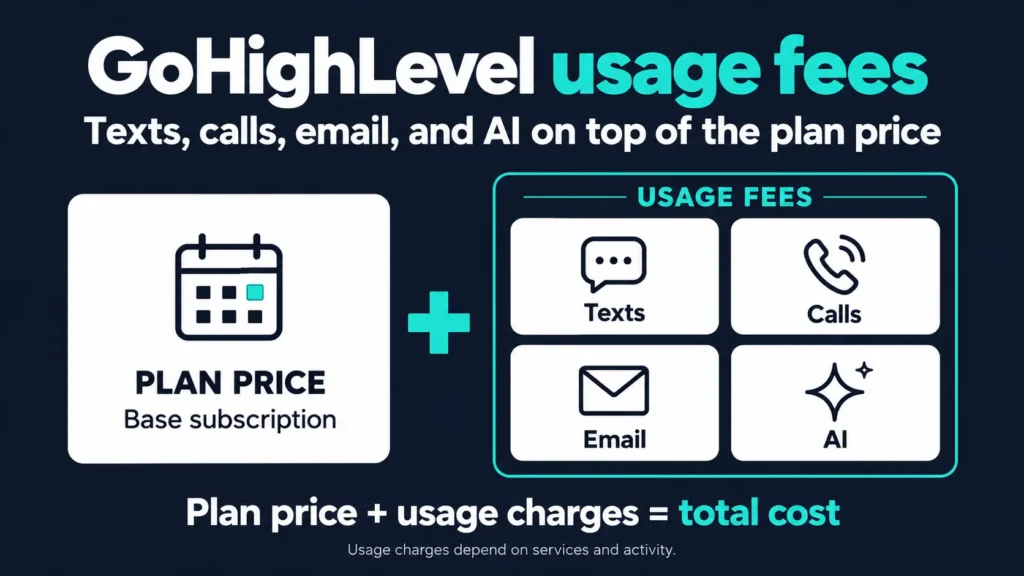
The plan price is $97, $297, or $497 a month. On top of that you pay for:
- Texts, calls, and email, billed by usage
- Phone numbers (a local number is listed at about $1.15 a month)
- AI features, such as the AI Employee add-on at $50 or $97 a month per sub-account per one guide
A guide that reviews GoHighLevel’s disadvantages points to high-volume texters who don’t run the numbers before launching a campaign. That’s how a $97 plan becomes a $300 bill.
Before you start, estimate your monthly texts, calls, and emails, then multiply by the current usage rates. Our Starter plan review walks through the real cost.
Limitation 5: email deliverability takes work
Email deliverability is a recurring complaint on Reddit and G2. Users who moved from ActiveCampaign or Mailchimp report drops in inbox placement.
One expert agency says the problems usually appear when SPF, DKIM, and DMARC (the email authentication records) aren’t set up properly before sending. That setup is on you. Do it first, send a small test batch, and check where it lands.
Limitation 6: basic reporting and scheduling
Some reviewers say the reporting could be more granular. Another guide says the calendar is basic and lacks resource management and class booking.
That matters for gyms and studios. If you run classes, check whether the calendar covers your needs, or keep a dedicated booking tool. Our GoHighLevel for gyms guide covers where it fits.
Limitation 7: bugs and a lagging mobile app
Rapid feature releases mean some features arrive unfinished. Reviewers mention bugs and broken interface elements. The mobile app is reported to lag the web version, especially for workflows and reporting.
Release notes and a short list of known issues are worth reading before you trust a workflow with real leads.
Limitation 8: integrations and API changes
GoHighLevel connects to many tools, but not every one. If you rely on a specific app, check the integration list first.
If you or a developer build custom integrations, note that the older API version reached end of support and forced many integrations to be rebuilt, per one API review. Token handling in the newer version also draws complaints.
Limitation 9: it’s built for agencies
A competitor’s guide (so read it with that in mind) says coaches and solo operators end up paying for a toolbox aimed at someone else. That’s partly fair. Sub-accounts, rebilling, and white-label tools matter to agencies, and a solo coach won’t use them.
If you’re a solo seller who needs funnels, email, and courses, a lighter tool like Systeme.io costs less.
Which limits matter for your business
Not every downside hits everyone. Here’s how I’d rank them by business type:
- Agency owner: the learning curve and the support load matter most, because you’ll answer your clients’ questions too. Budget time for it.
- Local service business: usage fees and texting registration come first. Volume is steady, so costs become predictable once you’ve measured a month.
- Gym or studio: check the calendar early, since class booking is a gap in some reviews.
- Clinic or law firm: privacy and compliance come first. See our doctors and lawyers guides.
- Solo creator: fit matters most. A lighter tool may do the job for less.
Pick the 2 limits that apply to you and test those first during the trial. A limit you never hit shouldn’t decide the purchase.
What results can you expect?
This question comes up a lot, and the honest answer is short. GoHighLevel follows up on the leads you already have, faster and more consistently than a person can. It doesn’t create leads. Reddit threads make the same point: a CRM is rarely what grows an agency, because client acquisition is.
I won’t give you a number. Anyone who promises “X% more sales” is guessing. Measure your own before-and-after on lead response time and booked calls.
Why people leave
Patterns from user reports:
- Half-committing. They never got through the learning curve, hit a bug, and quit within a month.
- Surprise bills. They didn’t budget for usage fees.
- Wrong fit. They wanted a funnel builder or course platform.
- Support frustration. A complex problem sat in a ticket queue.
- Underpricing. Resellers charged too little to cover their own time.
Notice that most of these are fixable before you buy.
Common mistakes and fixes
- Building 10 workflows in week 1. Build one, test it, then add another.
- Skipping email authentication. Set up SPF, DKIM, and DMARC before the first send.
- No usage budget. Set a monthly cap on texts and check it weekly.
- Not testing. Run every workflow through your own phone and email first.
- No documentation. Write down what each workflow does so you can fix it later.
A 7-day test before you buy
- Day 1: Start the trial and set up your business profile.
- Day 2: Authenticate your sending domain and, if you’ll text, begin carrier registration.
- Days 3 to 4: Build one pipeline and one workflow, such as an instant reply to new leads.
- Day 5: Test with your own contact details and read every message as a customer would.
- Day 6: Ask support a real question in live chat and note how long the answer takes.
- Day 7: Estimate your monthly usage cost and decide.
The trial length varies by link (14 days is the standard, and some links offer 30), so check the sign-up page.
Who should skip it
- Solo creators who mainly need funnels, email, and a course
- Anyone who wants a polished, bug-free interface above everything
- Businesses that can’t tolerate usage-based billing
- Teams with no one who can own the setup
My verdict
GoHighLevel is worth testing if you manage clients or live on lead follow-up, and you can give it a month of attention. It’s a poor fit if you want something you can use on day one without learning it.
If you’re unsure, run the 7-day test above before you commit to a plan.
Frequently asked questions
What are the biggest problems with GoHighLevel?
The learning curve, usage fees on top of the plan price, inconsistent support, and email deliverability setup are the most reported.
Is GoHighLevel hard to learn?
Reviews commonly say 2 to 4 weeks to feel comfortable. It needs no coding, but it does need patience.
Why do people cancel GoHighLevel?
Common reasons are never clearing the learning curve, surprise usage bills, and a wrong fit.
Does GoHighLevel get you more leads?
No tool does that on its own. It helps you follow up on leads you already have.